Scan to OneDrive

Scanning to your OneDrive account is easy to set up.

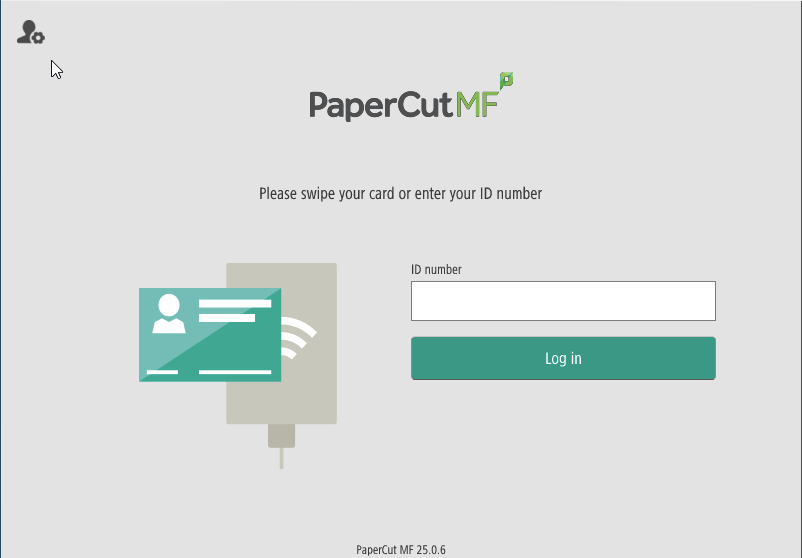
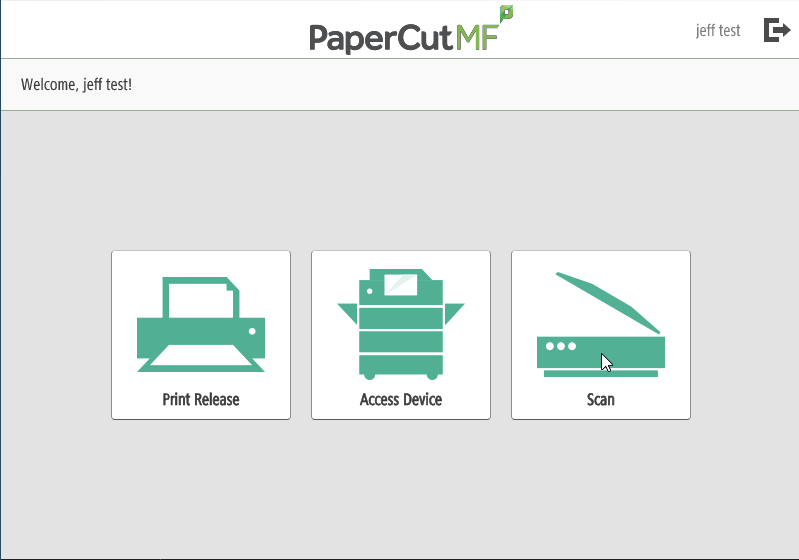
Use your FOB to log into your PaperCut printing account on any device.
OneDrive1.png

Select the Scan option on the printer.
OneDrive2.png

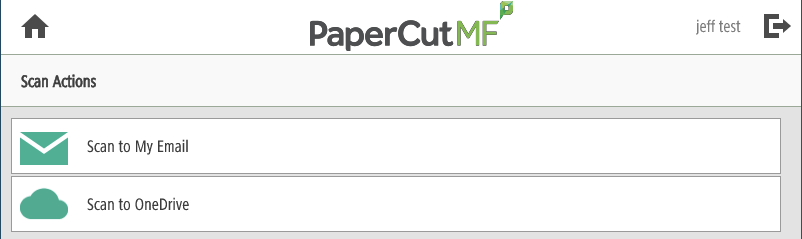
You have the option to 'Scan to My Email' or 'Scan to OneDrive'. The 'Scan to My Email' option is limited to a 25MB size limit due to mailbox restrictions.

OneDrive3.png

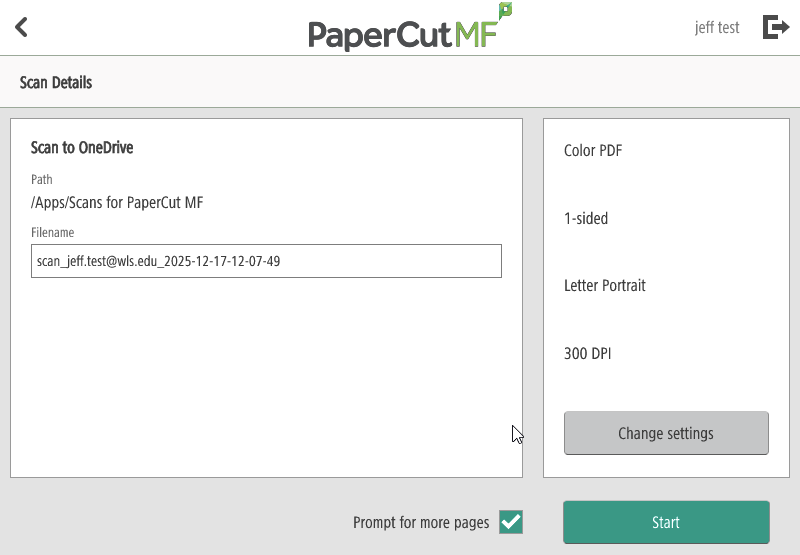
Once you have selected the 'Scan to OneDrive' option, you will see the option below.

OneDrive4.png

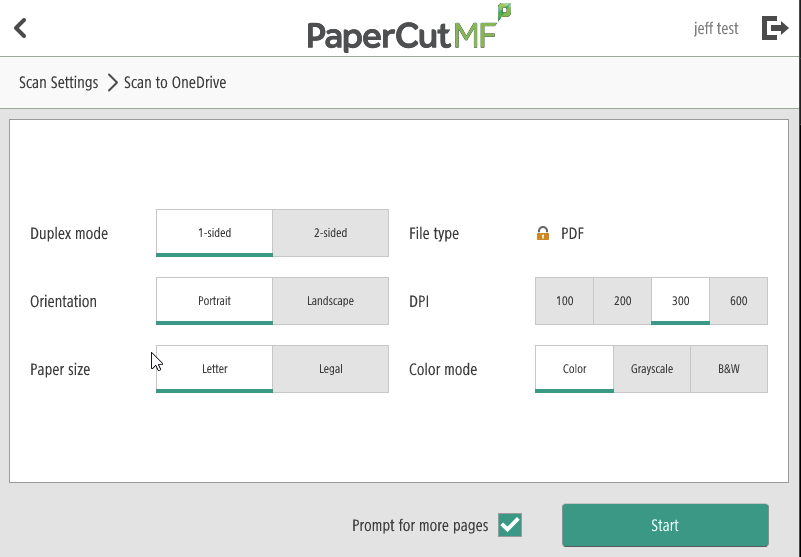
You can also use the 'Change settings' button to make changes to the document(s) you are scanning.

OneDrive7.png

Tap the Start button and scan away. If you are only scanning a single page