
M365 Desktop Apps
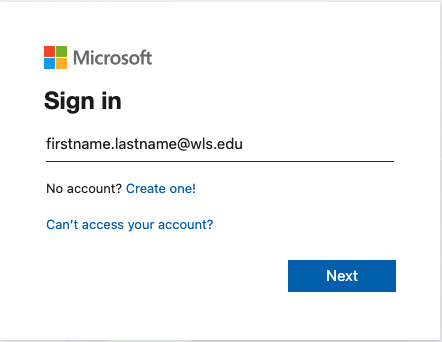
If you paid for the desktop technology fee, you'll probably want to download & install the M3565 desktop apps. In order to do that, head to Office.com and click Sign in.
If the browser doesn't recognize you, it will ask you to sign in again
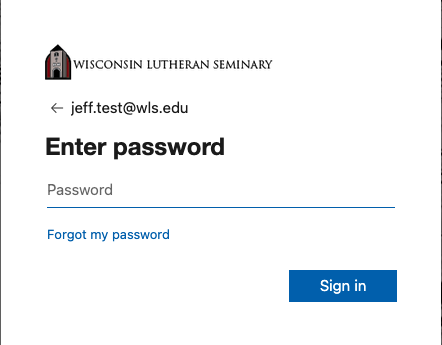
If you cannot remember your password, you can reset it by following these Password Reset instructions.
Once you have successfully logged in, you should see a screen like this:
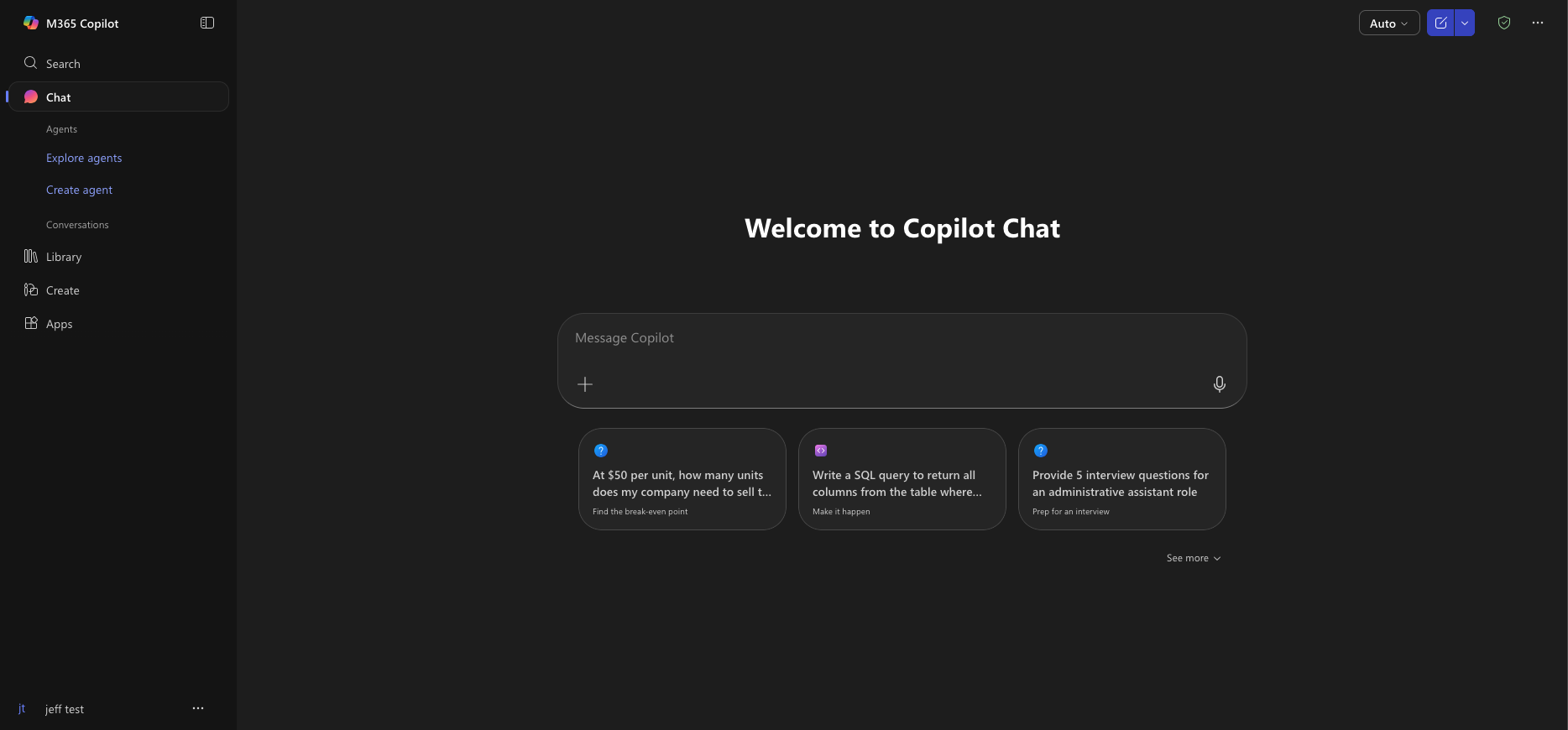
On the left side, click on Apps.

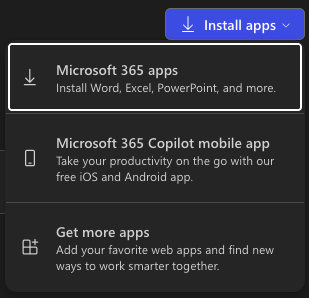
Click on the Install Apps button in the upper right corner of the screen.
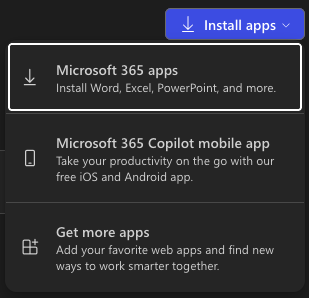
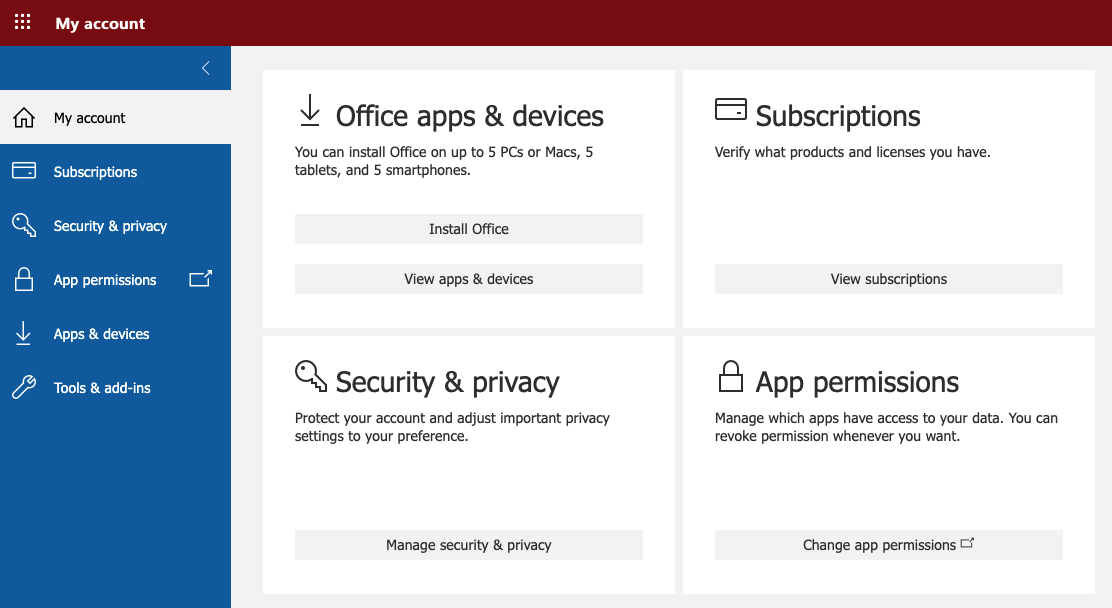
You can then select the Microsoft 365 apps button. It will take you to your account portal. Where you should see a screen like this:

Click the install Office button, which will automagically kick off the download of the version compatible with your operating system.
You can click on the following links If you need instructions on installing Office.
Install for Mac |
Install for Windows |
No comments to display
No comments to display