Once you have created the cohort, you need to add students to the cohorts. You'll use the current student rosters to create/modify cohorts. You can also use this to modify cohorts when students discontinue.
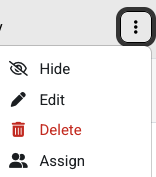
From the Cohorts menu, select the three stacked dots menu to the very right of the cohort name.
Select the Assign option.
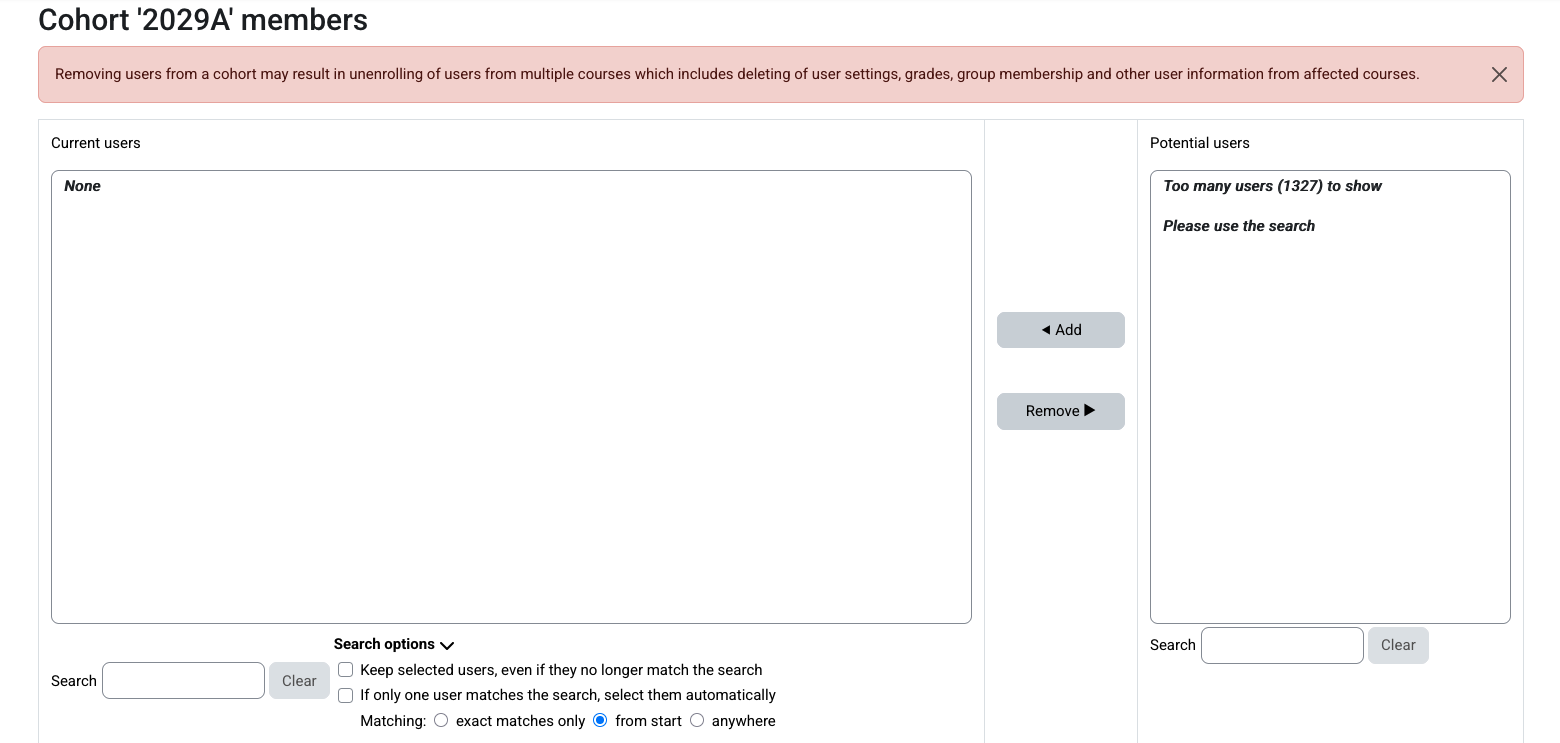
You'll have to use the search feature in the lower right, as there are too many students in the user list to display. There is no save button as once you have added them, they are joined to that cohort.

No comments to display
No comments to display