
Creating Cohorts
To create Cohorts we'll need to log into SemNet using your Microsoft 365 account credentials.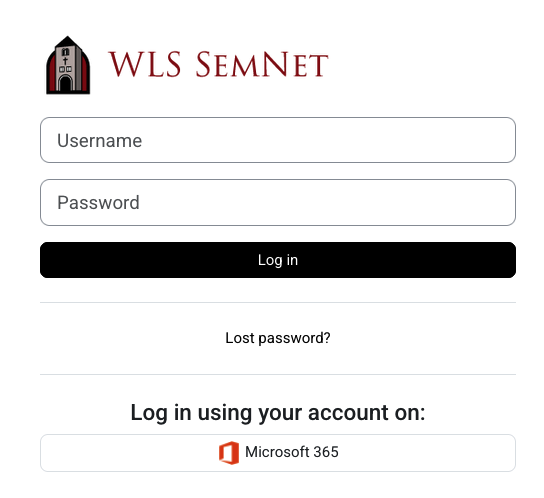
Click on Dashboard
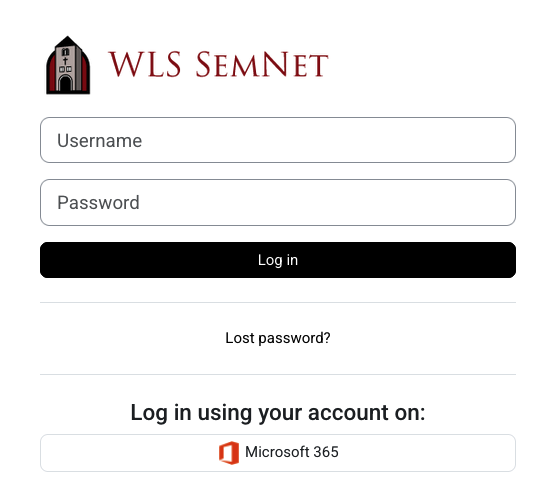

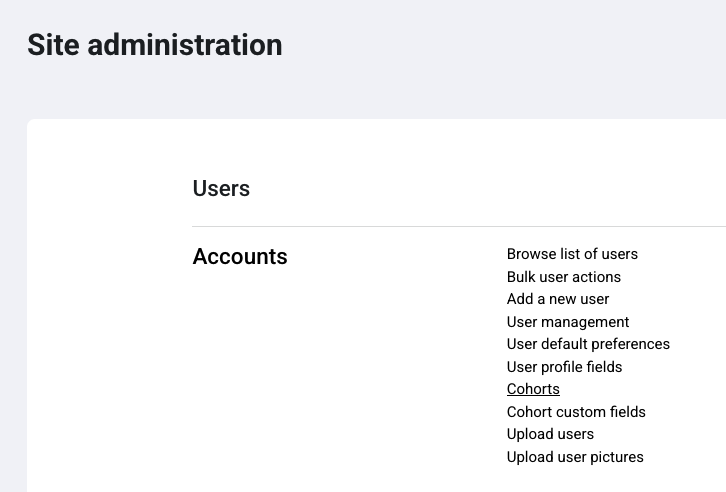
Next click on Users

From the User Accounts Menu, select Cohorts
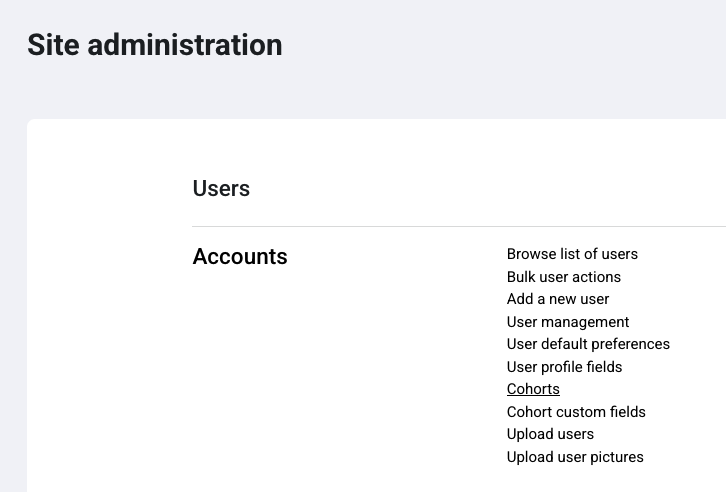
From the Cohorts menu, select add new cohort.
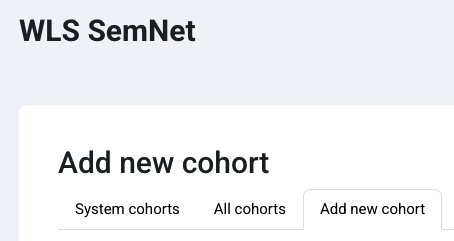


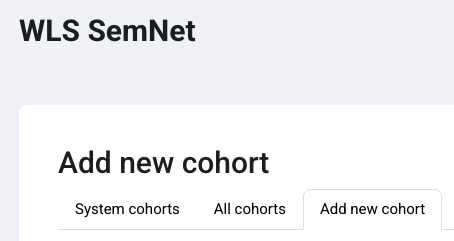
From the Add new cohort menu, add the 'Name' and the 'Cohort ID' (Usually year they graduate). Add a description, if needed. Click save.
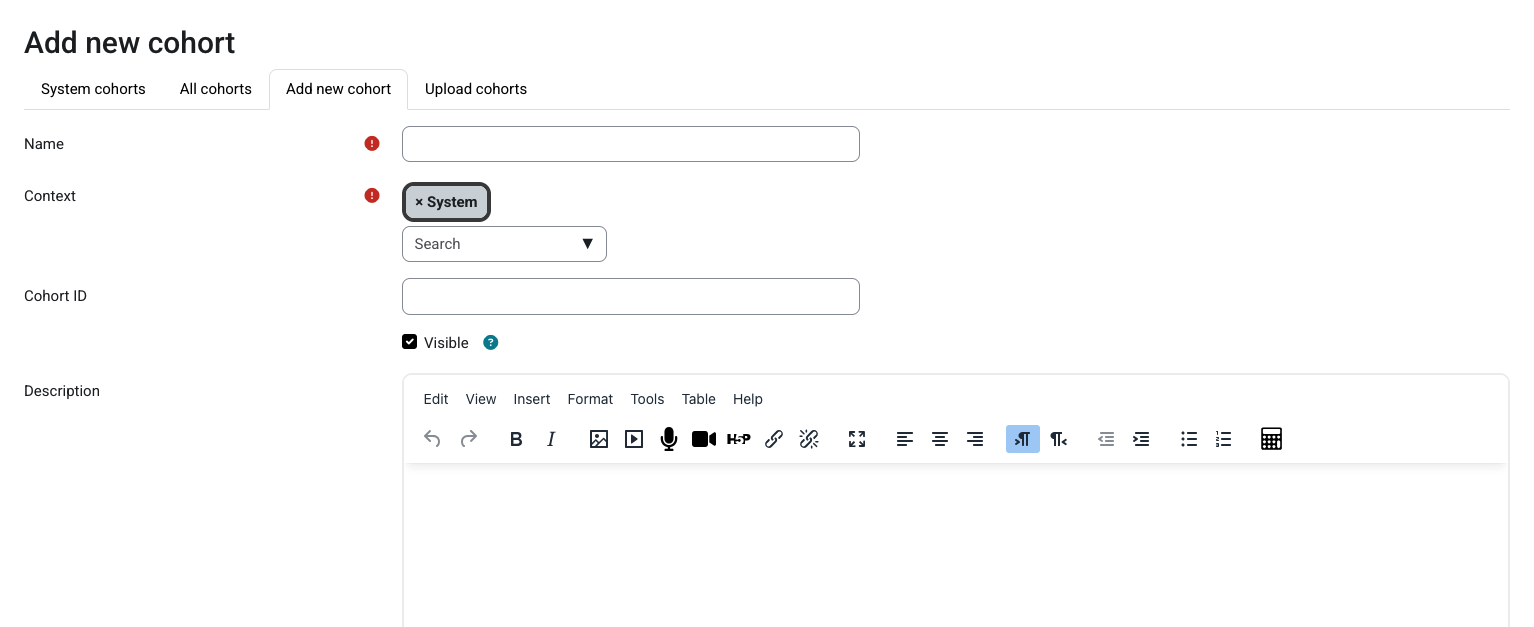
That is all that is needed to create cohorts. The next page will show how to add users to cohorts.
No comments to display
No comments to display